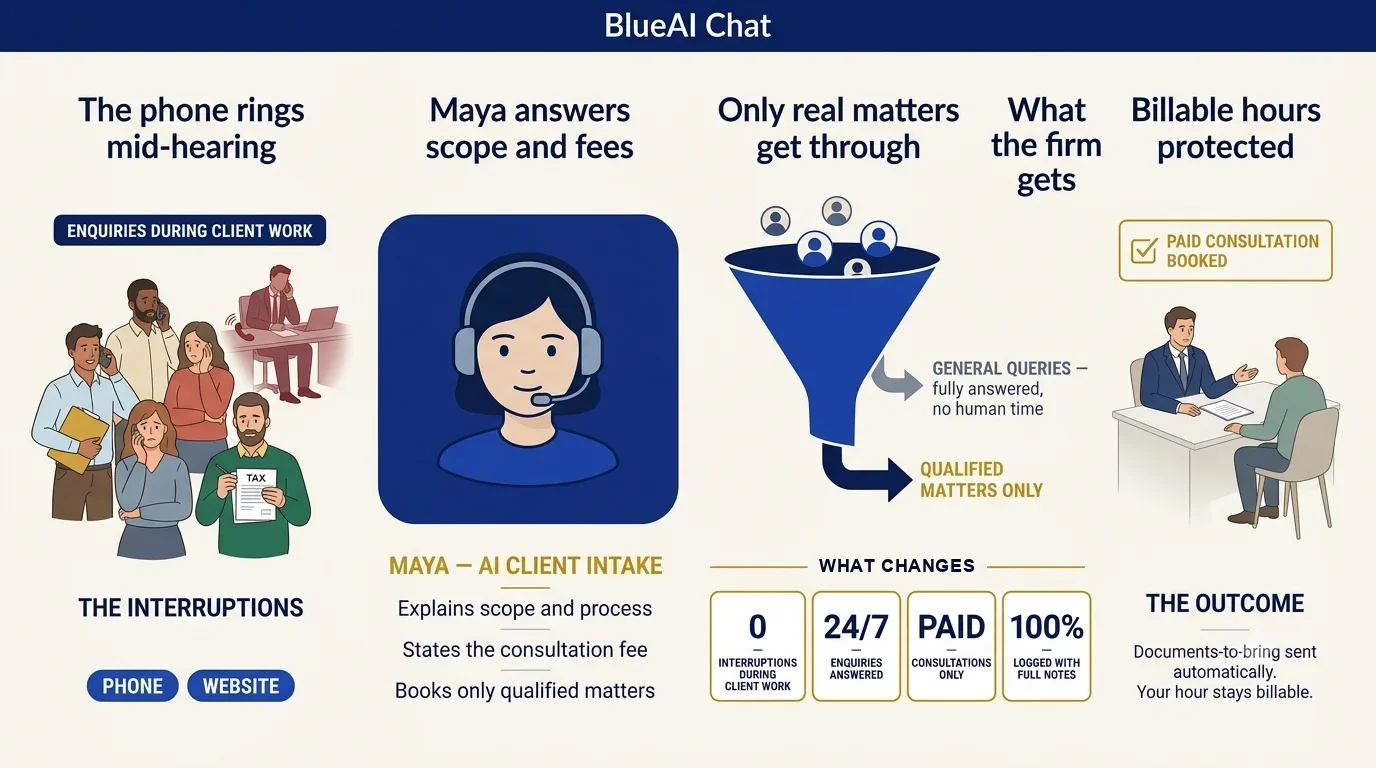
Visual playbook: how Maya moves the customer from enquiry to business outcome.
Maya explains scope and fees, answers general questions, filters the enquiry, books paid consultations and sends the document checklist before the meeting.
Lawyers, accountants and consultants lose billable time answering repetitive enquiries while genuine clients are missed during meetings and hearings.
A prospect calls while the professional is in a hearing. Maya identifies the matter, explains the consultation fee, answers process questions and books a paid slot. General enquiries are resolved without interruption; qualified matters arrive prepared.
BlueAI Chat is an AI sales workforce for Indian businesses that answers calls, WhatsApp, website chat and social messages, calls new leads back, books appointments and runs outbound campaigns in 10 Indian languages, 24/7.
Yes. It can ask approved intake questions, explain general process and route only suitable matters.
It can explain the fee and connect the booking flow to an approved payment process.
Yes. The complete intake summary, transcript and requested documents can be prepared before the meeting.
14-day free trial. No setup fee. Start with one workflow and expand.